Build and analyse real water-distribution networks in your browser.
Prepare and check the network once, then move from steady-state hydraulics and extended-period simulation to elastic and water-hammer transient analysis using the Elastic Water Column Model (EWCM) and Method of Characteristics (MOC).
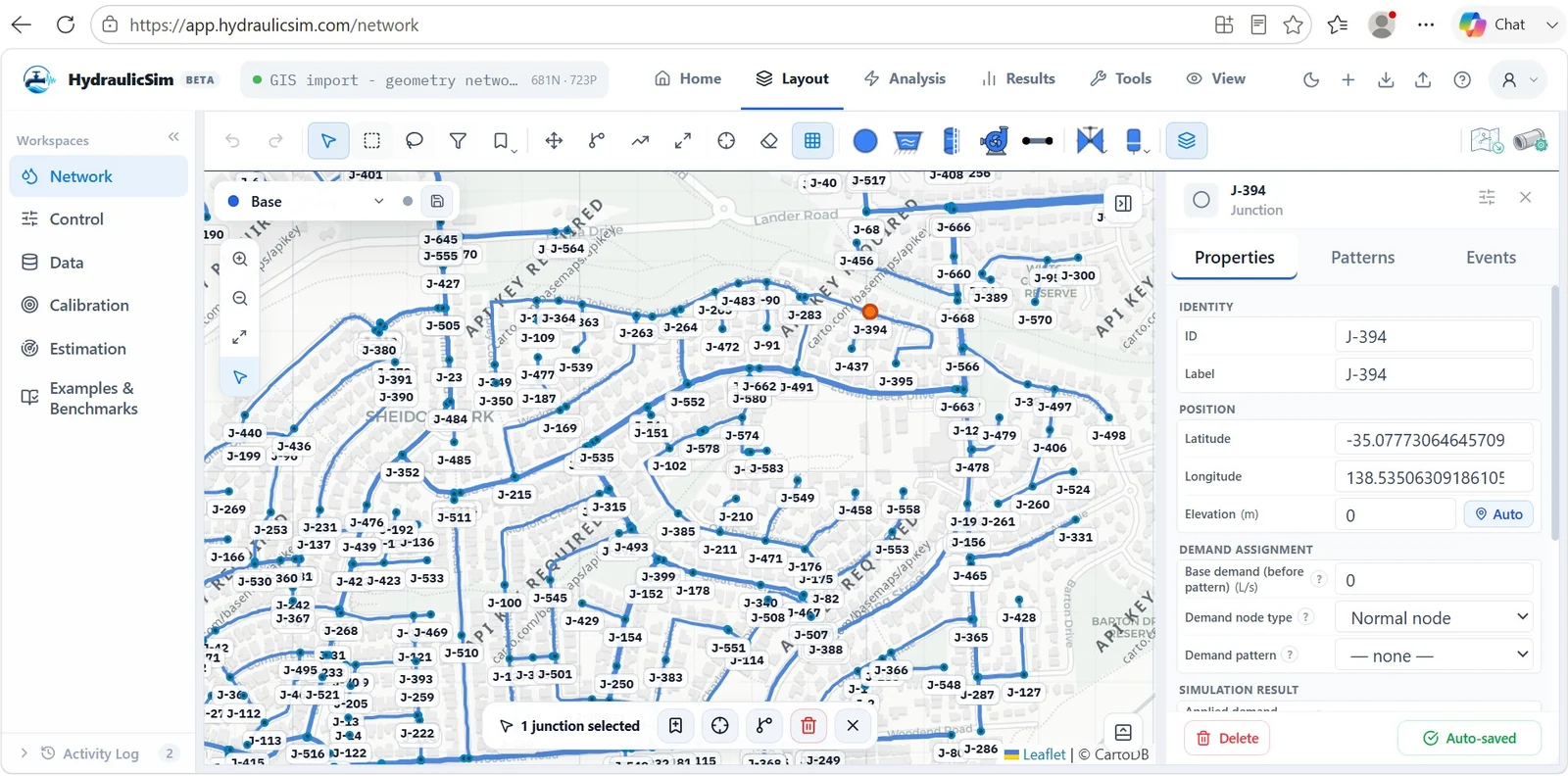
See the engineering workflow, not a marketing mock-up.
This real-product walkthrough moves from protected examples to network layout and hydraulic results.
From model to hydraulic response
Inspect a water-distribution network, run the hydraulic analysis, and review pressure and flow behaviour in the same browser workspace.
One network model. Multiple hydraulic time scales.
HydraulicSim combines steady-state hydraulics, extended-period simulation, EWCM dynamic analysis and MOC pressure-wave analysis. Finer EWCM discretisation extends the represented range toward faster transient behaviour; MOC remains the dedicated water-hammer formulation.
How EWCM spans the dynamic range
Coarser discretisation focuses on slower elastic network dynamics. Finer discretisation extends the represented range toward higher-frequency transient behaviour and the MOC side of the spectrum.
Choose the analysis time scale appropriate to the engineering question.
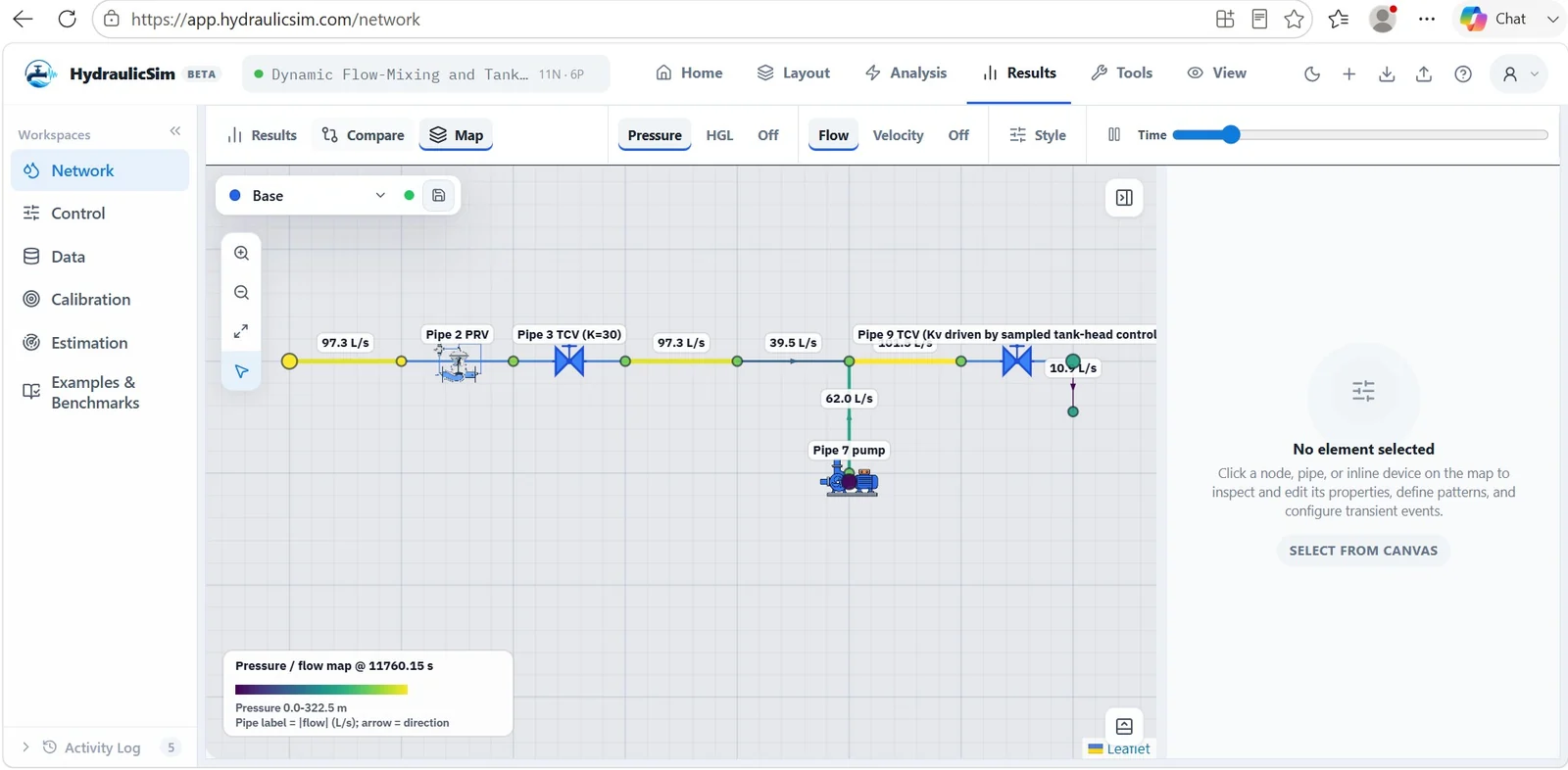
See the network response as the system operates.
Review pressure and flow, pressure-reducing valves (PRVs), pumps, tanks and controls alongside time-dependent hydraulic results and engineering map visualization.
Work with real distribution networks, not simplified diagrams.
Build mapped GIS or schematic models, import EPANET networks, inspect junctions and properties, and run structured pre-analysis checks.
Prepare → Check → Simulate → Review
The same water-network model and inputs move between steady-state hydraulic modelling, Extended Period Simulation (EPS), EWCM intermediate dynamics and MOC water hammer analysis. No desktop installation is required. HydraulicSim has an API-oriented architecture designed for future AI-agent workflows.
Technical credibility without exposing the source library.
HydraulicSim is checked against established reference networks and transient benchmark cases. Full benchmark models, INP files, CSV references and protected catalogue data remain available only after authorization.
Reference-network hydraulic checks.
Pressure-wave and water-hammer transient checks.
Dynamic-network reference comparisons.
Start modelling in your browser.
Open HydraulicSim and explore protected engineering examples after sign-in.